

3D gun scans for holster molds
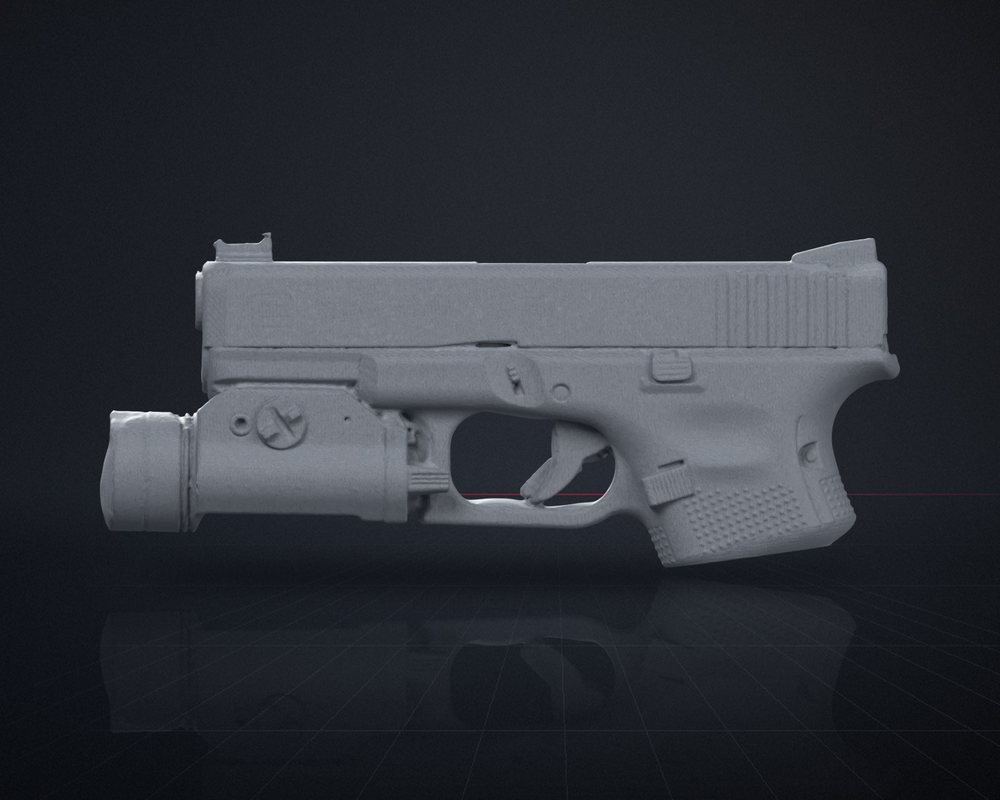
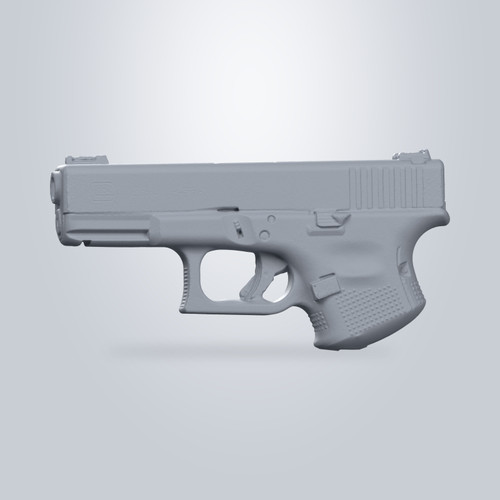
Scanned firearm and light geometry, ready for your CAD cleanup.
Scanned firearm and light geometry, ready for your CAD cleanup.

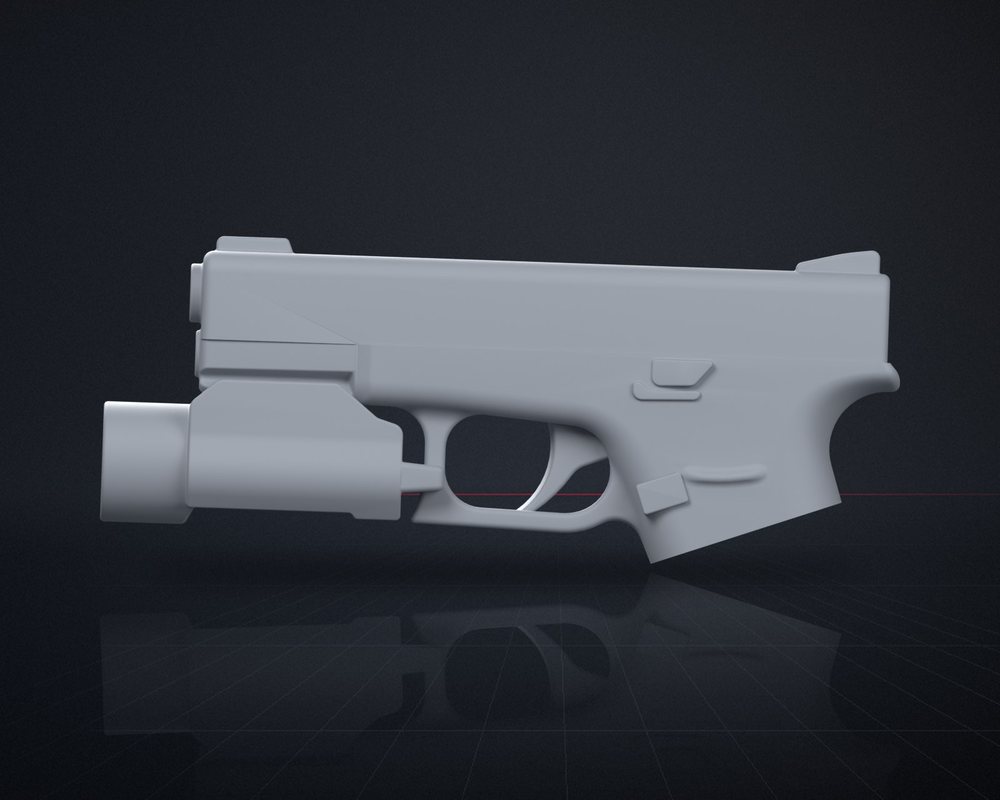
STL files exported from CAD solid models. Skip the scan cleanup and add your mold features.

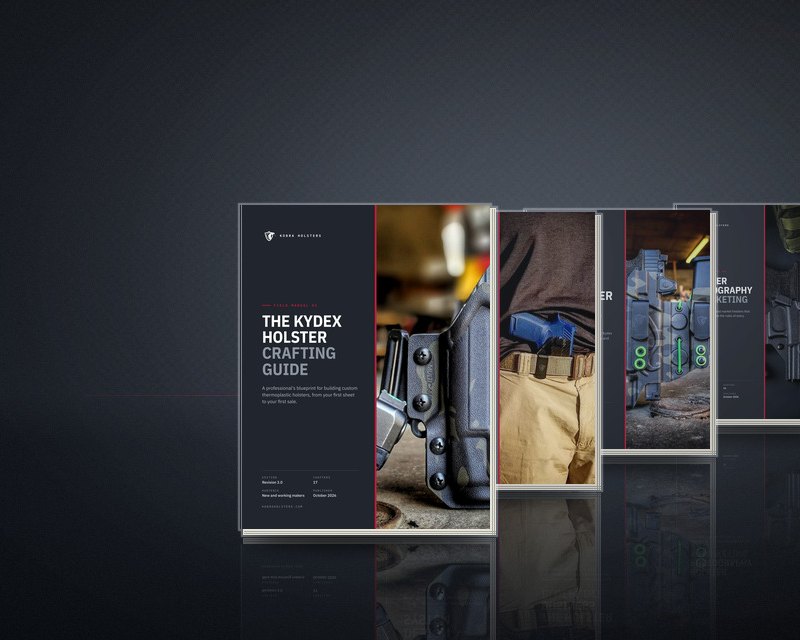
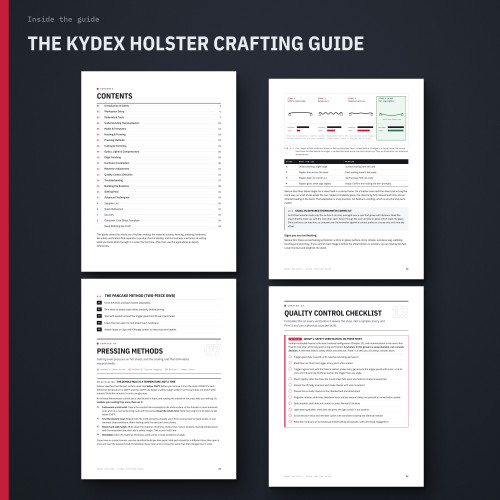
Four in-depth PDF guides: crafting, appendix carry, business and photography.
Pick the maker, the model and the light. We show the matching 3D scan and CAD model.
Everything here is a file you download and use in your own shop: the know-how in the guides, and the geometry in the scans and models.
 PDF guides
How-To Guides
Four field manuals: Kydex crafting, appendix carry design, running the business and product photography.
Shop the guides →
PDF guides
How-To Guides
Four field manuals: Kydex crafting, appendix carry design, running the business and product photography.
Shop the guides →
 3D scans
3D Gun Scans
Scanned pistol and weapon-light geometry, a fast starting point for designing your own molds.
Shop 3D scans →
3D scans
3D Gun Scans
Scanned pistol and weapon-light geometry, a fast starting point for designing your own molds.
Shop 3D scans →
 CAD models
Solid CAD Models
STL files exported from CAD solid models. Skip the scan cleanup, then add your mold features.
Shop CAD models →
CAD models
Solid CAD Models
STL files exported from CAD solid models. Skip the scan cleanup, then add your mold features.
Shop CAD models →
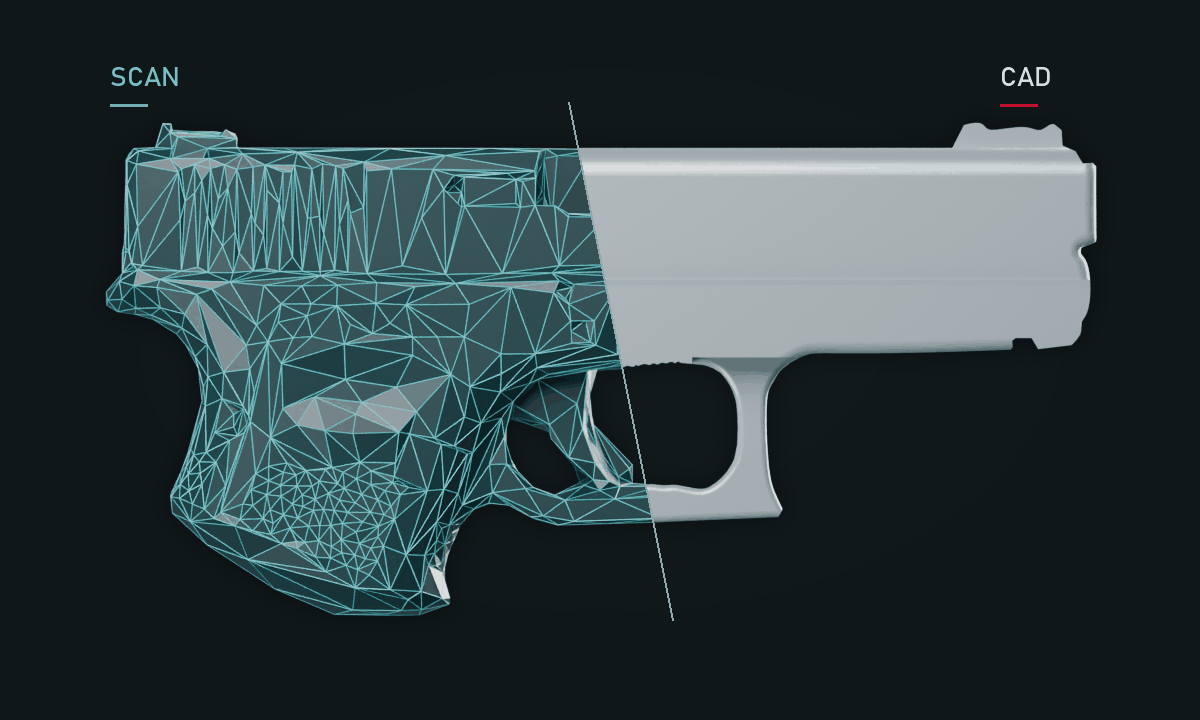
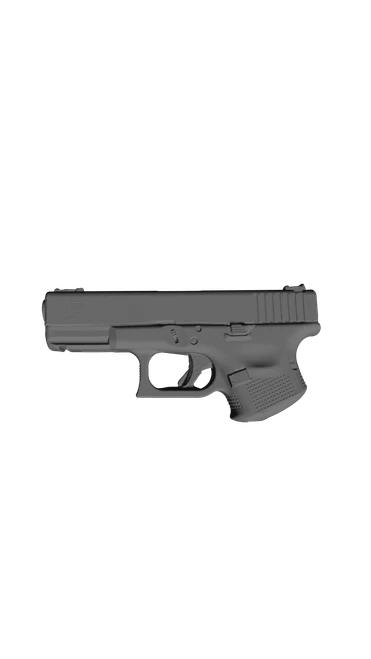
Drag to compare a raw 3D scan with the matching CAD model. A scan is the real pistol's surface, captured as a mesh you clean up in CAD. A CAD model is an STL exported from a CAD solid: skip the raw scan cleanup, then check the mesh and add your mold features.
MeshWright: scan-to-CAD for makers
Scanned a gun we don't carry? MeshWright turns scans and STL files into editable CAD in Fusion, measured from the mesh, on your own machine.




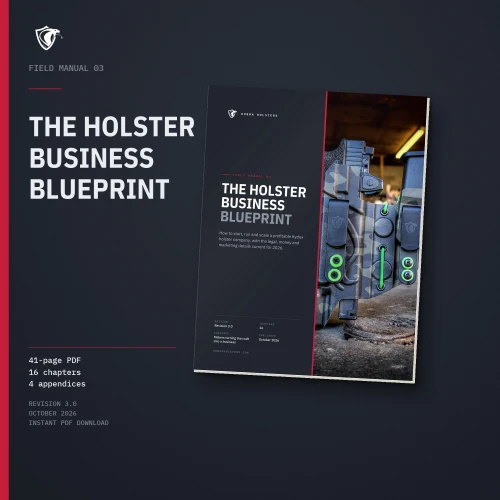


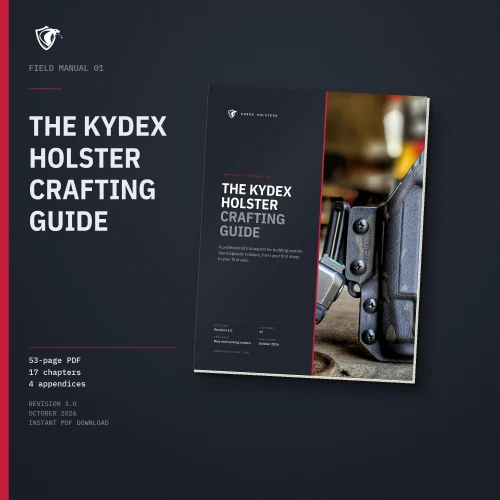
Four separate PDF downloads
Crafting, appendix carry design, the business side and product photography: 156 pages of sourced, shop-tested holster-making know-how.
The contents, chapter 1 and the troubleshooting table. Check out for $0 and download the PDF straight away.